India's Most Loved Album Designing Software

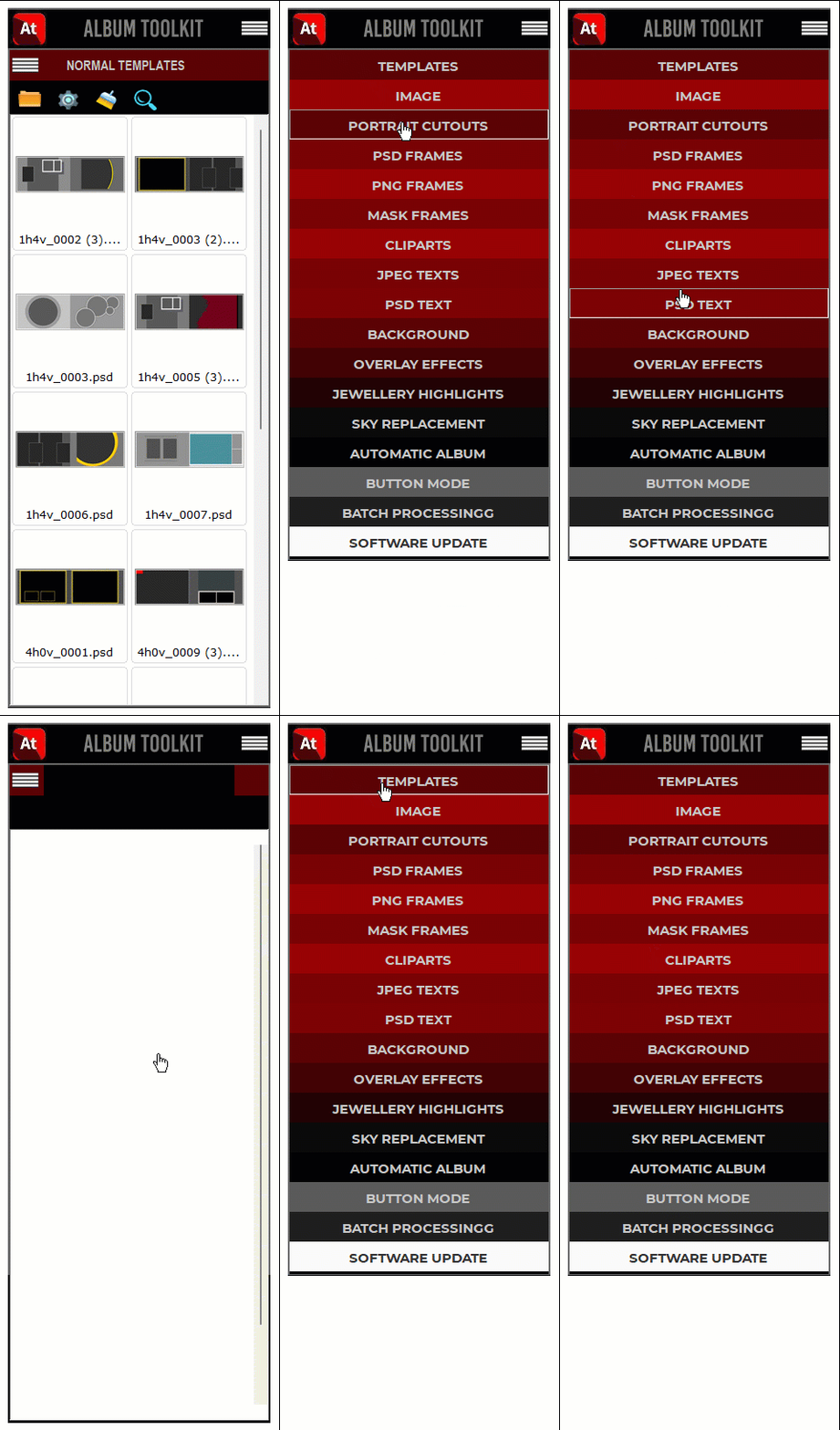
Album Toolkit is a Wedding Album Designing Software developed by Mohit Jaipuri. Price of this software is
only 1000/- INR
Album Toolkit is very easy to use & it supports Adobe Photoshop CS3 to CC2022. It also works with all the PSD Templates available in market. Automatic & Manual both options are there in this software.
Watch Demo Videos Buy This Software
Album Toolkit is a Wedding Album Designing Software developed by Mohit Jaipuri. Price of this software is
only 1000/- INR
Album Toolkit is very easy to use & it supports Adobe Photoshop CS3 to CC2025. It also works with all the PSD Templates available in market. Automatic & Manual both options are there in this software.
Watch Demo VideosTo buy this software call or send whatsapp msg on
+91 6232120130
Options & Features
 Photoshop Version
Album Toolkit works with Adobe Photoshop CS3 to CC 2022. Just go to toolkit settings and select your photoshop version.
 Support All PSD Tempaltes
Album Toolkit works with all psd templates. You can use your own psd templates also. Just select the frame layer and click on image thumbnail and Image will be filled and resized automatically. Its super easy.
If you don't have psd templates we will provide 72 GB AUTO PSD Templates free of cost with this software.
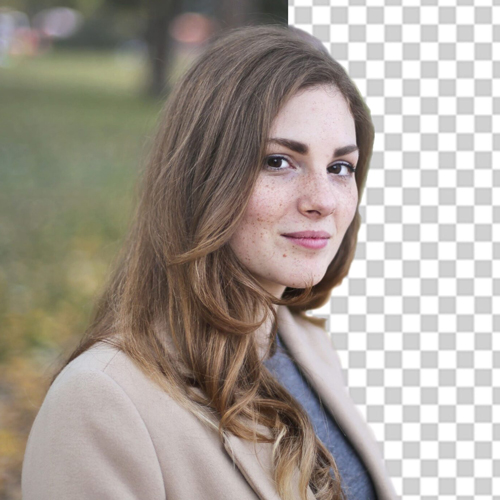 Automatic Portrait Cutting
In Album Toolkit you can remove background from photos very easily just by clicking and it takes only few seconds.
 Automatic PSD Search & Fill
Album Toolkit will automatically search & suggest best templates available according to your selected image. Your vertical image will be filled in vertical frame and horizontal image will be filled in horizontal frame.

 Click & Fill in any psd template
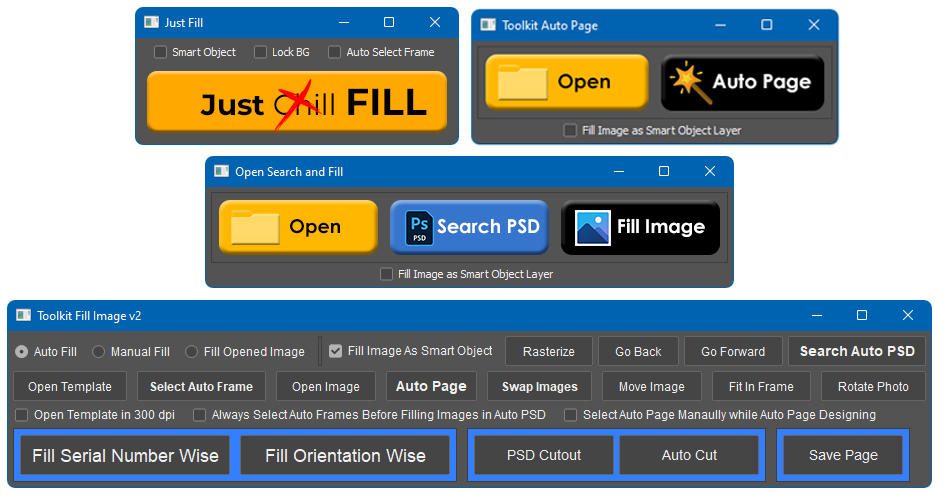
Album Toolkit can fill images in any psd templates frame. Just select the frame and click on image thumbnail. Image will be filled inside selected frame automatically . You can also select multiple frames and fill images in them all at once. This option supports all market psd. No need to convert them. Just open and fill.
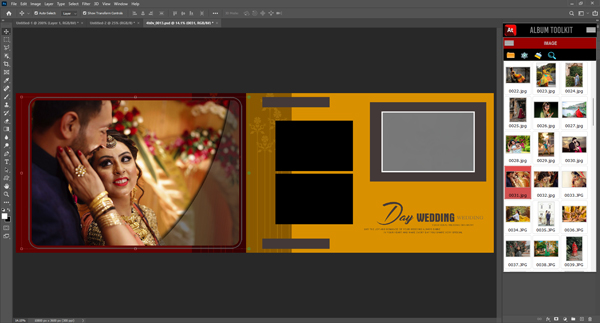
 Non Destructive photo filling
Album Toolkit fills images inside frame as a Smart Object without loosing any details. Image quality remain same even after swapping images from small frame to large frame.
 Used Photo Management
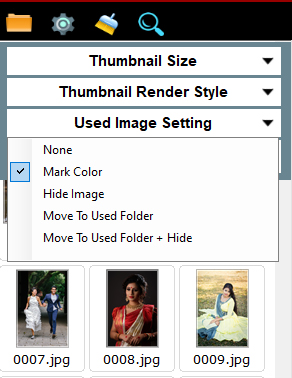
Album Toolkit will provide so many options for managing your images which will be used during album designing. Used images can be marked with color or according to other option.
Auto Template Designer
If you don't have any psd template and don't want to download it from internet then this option will help you create unlimited numbers of psd template automatically. Just select the size , number of templates , background andit will design psd for you.

 Auto Frame Creater
In Auto Frame Creater option you can create different types of frames automatically

 Manual PSD Template Designer
Album Toolkit Provides manual template designing option using your choice of frames , cliparts , background etc. You can all your content inside Album Toolkit. It supports all. Just click on content and it will be applied on page. Use different combination of frames , cliparts and wallpaper and create unique designs.

 Fully Automatic Album Designing
You can create fully automatic album design using this feature. Just select Image folder, PSD folder, Output folder and number of images required per page. Album Toolkit will automatically open image and search psd according to them and create the album.
Click on this link to know more about this feature.
Link

 Batch Correction
You can do batch correction in Album Toolkit through this option. Just select input, output & required correction and run the process.
Its very easy.

 Batch Watermark
You can apply batch watermark in your images before giving them to client for approval. You can also adjust logo size position etc.

 Quick & Easy overlay effects
Just click and apply overlay effects on any image you want. We provides thousands of overlay effects like bokeh, flower falls, light leaks , light painting, smoke , rainbow , snow , rain etc with Album Toolkit free of cost.
 Quick Sky Replacement
In Album Toolkit you can easily apply any sky wallpaper to your image just in few clicks. It looks very natural also.
 Quick Tools For Fast Working
Quick Tools will help you in doing frequent task which is required while album designing.

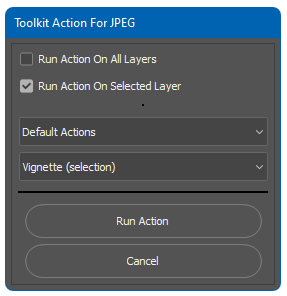
 Action Runner
With help of Toolkit Action Runner you can run your actions on different layers of psd album page. We will also provide 10000+ Free Photoshop Actions which you can use in album designing.
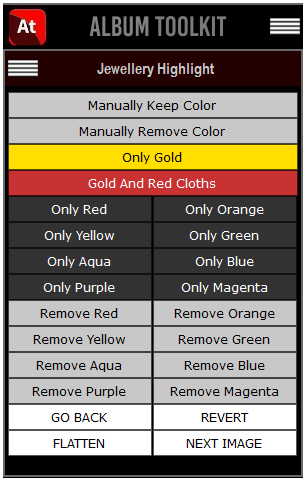
 Jewellery Highlights
You can do jewellery highlights and can create single color effects in single click.
 many options for image filling
You can do jewellery highlights and can create single color effects in single click.
 PSD Correction Options
You can do psd template correction by using this option.
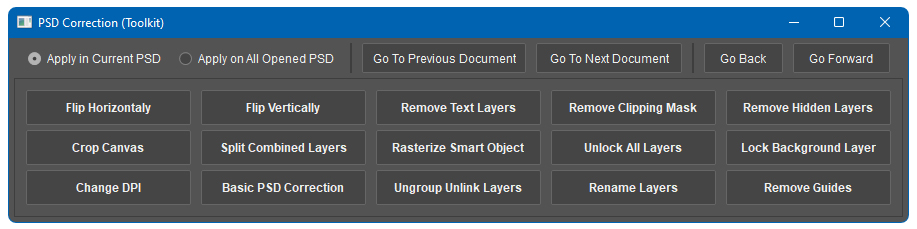
 Photo Correction Option
You can do image correction by using this option.

So many options available but price is only 1000/- INR
Developed by Mohit Jaipuri Design & Software Solutions Private Limited